
WordPress Hacked?
Do not wait. A hacked WordPress site can often be recovered with CLI access, clean core files, plugin review, user checks and proper hardening.
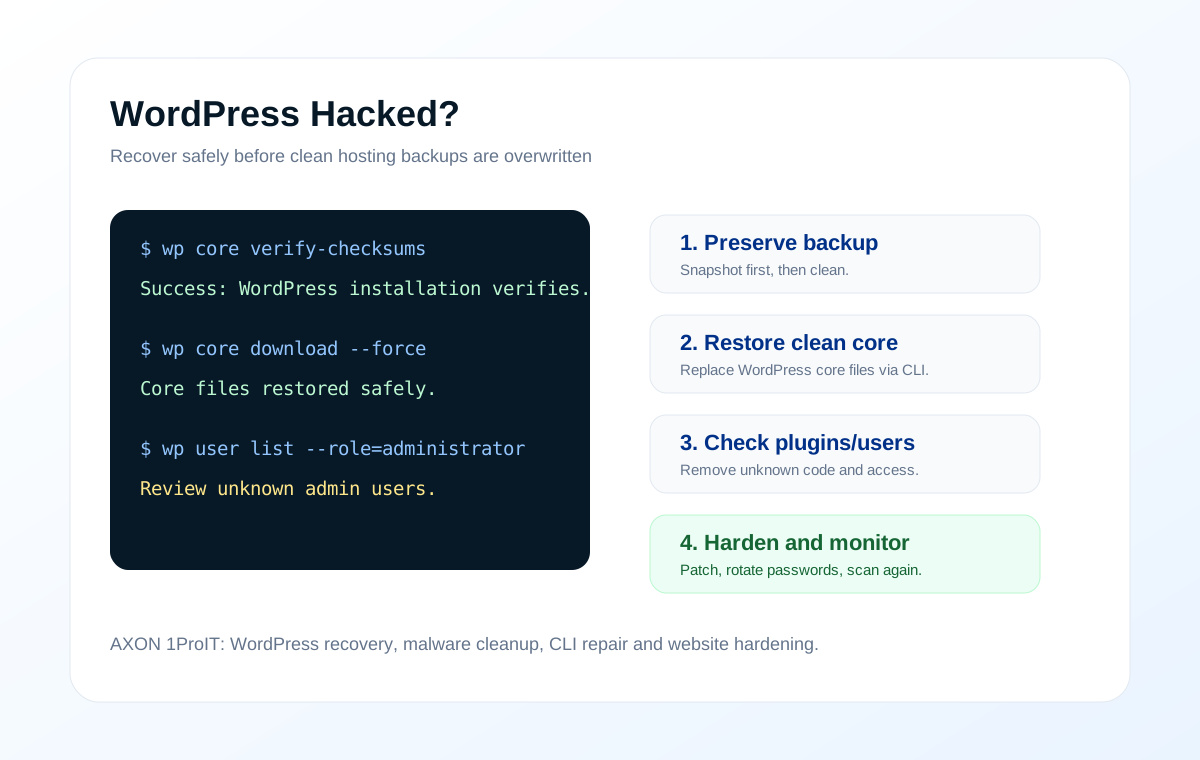
Common signs your WordPress site is hacked
Unexpected redirects
Visitors are redirected to unknown sites, ads, casino pages or fake warning pages.
Unknown admin users
New administrator accounts appear, or your admin password suddenly stops working.
Search result warnings
Google or browser warnings show unsafe site, spam title, Japanese keywords or strange indexed pages.
Modified core files
WordPress files show unexpected changes, unknown PHP files or suspicious code in uploads.
Plugin or theme issue
Old plugins, abandoned themes, nulled plugins and weak passwords are common entry points.
Email and hosting alerts
Your host suspends the site, CPU spikes, outgoing mail is abused, or malware scanners alert you.
How AXON recovers with CLI
CLI recovery is useful because it works even when wp-admin is broken. It also helps verify core files and repair safely without clicking through infected admin pages.
wp core verify-checksums
wp core download --force --skip-content
wp plugin list
wp theme list
wp user list --role=administrator
wp option get siteurl
wp rewrite flush --hard
These commands are examples of the recovery approach. Real cleanup depends on your hosting, WordPress version, database, plugins and available backups.
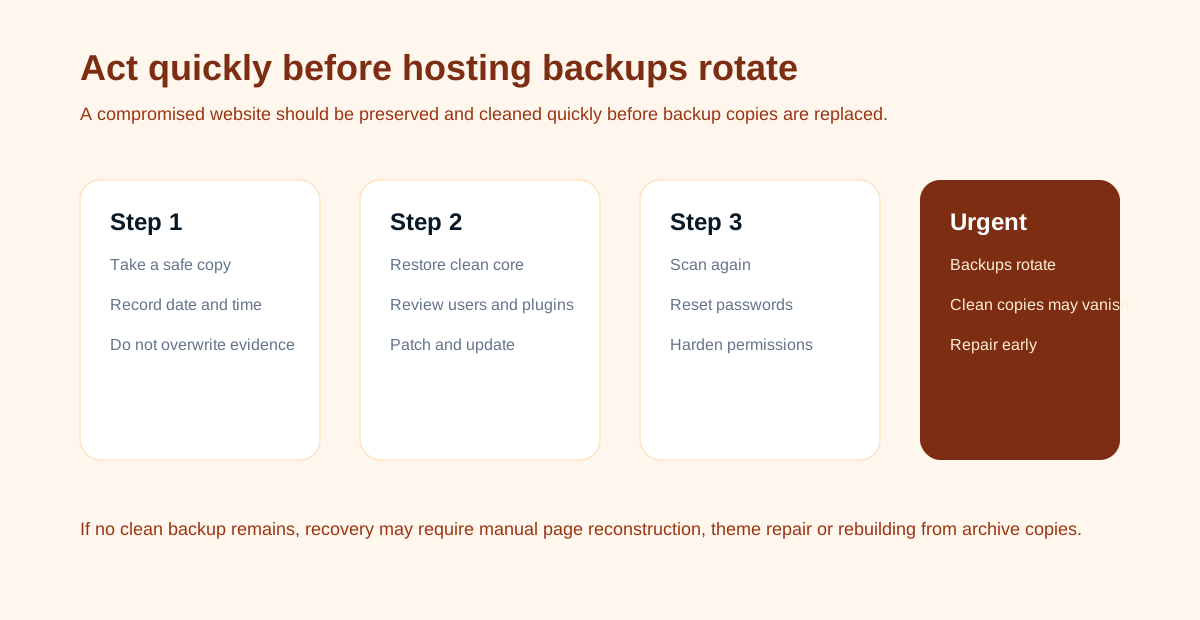
Recommended recovery workflow
1. Preserve a copy first
Take a full account backup or snapshot before cleaning. This keeps evidence and allows rollback if a file is needed later.
2. Put the site into safe mode
Temporarily block public access or use a maintenance page while recovery is happening. Avoid visitors triggering infected pages.
3. Check WordPress core
Use WP CLI checksums. Restore clean WordPress core files. Do not overwrite wp-content blindly because it contains themes, plugins and uploads.
4. Replace plugins and themes
Remove abandoned, nulled or unknown plugins. Reinstall clean copies from trusted sources and update everything.
5. Review users and passwords
Remove unknown admin users. Reset admin, FTP, database, hosting and email passwords. Rotate WordPress salts.
6. Scan uploads and database
Check uploads, cron, wp_options, injected scripts, strange redirects and suspicious PHP files inside writable folders.
7. Harden after cleanup
Disable file editing, correct file permissions, add firewall rules, update PHP version and set backup monitoring.
8. Request review
If Google or browser warnings appear, request review after the site is clean and stable.
When recovery may not be possible from backup
If the site was hacked for a long time, all hosting backups may already contain compromised files. In that case, AXON may need to rebuild the website, recover content from database exports, use old theme files, web archive copies, screenshots or manual page recreation.